The Human Loophole in Modern MFA
For years, IT teams and security experts have repeated the same security advice: enable Multi-Factor Authentication (MFA) on everything. It is excellent advice. MFA stops the vast majority of automated credential-stuffing and password-guessing attacks. But as security systems evolve, so do cybercriminals. Today, hackers are exploiting a psychological vulnerability: human impatience.
This tactic is known as MFA Fatigue, or "MFA Prompt Bombing." Instead of attempting to crack a complex authentication protocol, attackers simply spam employees with push notifications until they give up and approve the request.
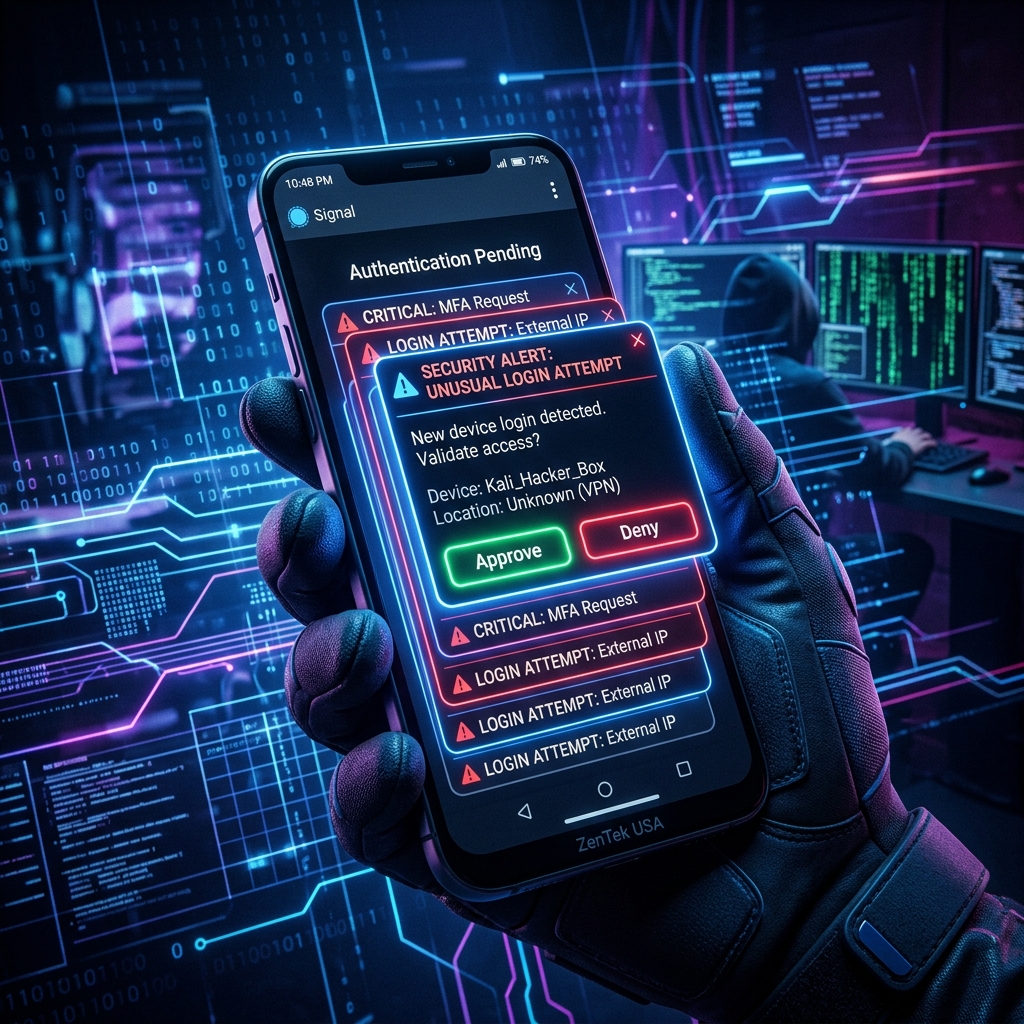
Anatomy of an MFA Fatigue Attack
How does a standard MFA fatigue attack play out? The sequence is alarmingly simple, yet highly effective:
- 1. Credential Theft: The attacker obtains the employee's corporate username and password. This is usually done through phishing, corporate data leaks, or purchase on dark web databases.
- 2. Continuous Login Attempts: The attacker attempts to log in to the employee's corporate account (e.g., Microsoft 365, VPN, or Salesforce). This triggers a push notification on the employee's authenticator app.
- 3. Prompt Spamming: The attacker repeats the login attempt dozens or hundreds of times, often at late hours (2:00 AM) or during busy work meetings. The employee's phone buzzes continuously with authorization prompts.
- 4. The Accidental Approval: Flooded with requests, sleep-deprived, or simply annoyed by the constant alerts, the employee eventually taps "Approve" to silence their phone. Once clicked, the attacker is granted full access to the network.
Why Traditional MFA Fails
Traditional push notifications display a simple binary choice: "Approve" or "Deny." When a prompt is triggered, the user is not required to provide any context or verify their location. This design relies entirely on the assumption that a user will actively deny any request they did not initiate. In practice, cognitive overload, distraction, and notification fatigue cause users to make mistakes.
Some of the most high-profile security breaches in recent years—including attacks on Uber, Microsoft, and Cisco—succeeded not because of complex exploits, but because an employee finally clicked "Approve" after an MFA prompt flood.
How to Defend Your Business Against MFA Fatigue
Simply telling employees "don't click approve" is not enough. You must implement structural guardrails that render prompt bombing ineffective. ZenTek USA recommends implementing the following security policies immediately:
1. Enforce Number Matching
Transition your authentication settings from simple push approvals to **Number Matching**. When a user attempts to log in, their computer screen displays a random two-digit number. The user must type that exact number into their mobile authenticator app to complete the login. If a hacker attempts to log in, the user will see a prompt asking for a number they do not have, making accidental or frustrated approvals impossible.
2. Implement Risk-Based Conditional Access
Update your network policies to inspect the context of every login attempt. By utilizing Zero-Trust conditional access policies, you can automatically block MFA requests that originate from unexpected geographic locations, unmanaged devices, or suspicious IP addresses.
3. Adopt Passwordless FIDO2 / Passkeys
The ultimate defense against MFA fatigue is eliminating passwords entirely. FIDO2 security keys (such as YubiKeys) and cryptographic passkeys verify the user based on physical proximity and local biometric authorization (like Touch ID or Face ID). Since there are no passwords to steal and no remote push notifications to spam, MFA fatigue is neutralized entirely.
Secure Your Corporate Authentication Protocols
Your perimeter is only as strong as its weakest authentication point. At ZenTek USA, we help organizations transition from legacy, vulnerable MFA systems to resilient, Modern Passwordless and Zero-Trust architectures. Our security engineers can audit your current Microsoft 365 or cloud configuration, configure impossible-to-phish Number Matching protocols, and secure your remote teams. Contact ZenTek USA today to schedule a comprehensive cybersecurity audit.