The On-Premise Relic
For growing mid-market companies, the SQL database is the heartbeat of operations. It houses your ERP systems, customer historical data, financial transaction ledgers, and inventory indices. Yet, many firms still host these critical assets on physical servers sitting in a dusty office closet. As physical hardware ages, maintaining on-premise servers introduces severe risks: hardware failures, power outages, physical security breaches, and scaling limits.
The solution is a migration to cloud platforms like Microsoft Azure. But for CFOs and operational leads, database migration is a terrifying prospect. The fear of data loss, corrupted tables, and extended operational downtime often leads to decision paralysis. In this guide, we detail ZenTek USA's risk-free blueprint to migrate legacy SQL databases safely to Azure with literal zero downtime.
Understanding Azure SQL Options
Before initiating a migration, you must choose the right deployment model in Azure. Microsoft offers three primary SQL paths:
- Azure SQL Database: A fully managed Platform-as-a-Service (PaaS) model. Microsoft handles patching, backups, and scalability. This is the most cost-effective option for modern web applications.
- Azure SQL Managed Instance: Provides near 100% compatibility with legacy SQL Server features (like database mail or linked servers), making it the ideal target for legacy ERP systems.
- SQL Server on Azure Virtual Machines (VMs): Infrastructure-as-a-Service (IaaS). You host a complete virtualized Windows server with SQL installed. This gives you complete operating system control but requires manual patching.
The ZenTek Zero-Downtime Migration Blueprint
We execute migrations using a three-phase methodology that ensures zero data loss and absolute business continuity:
Phase 1: The Dependency Map & Schema Audit
We begin by auditing your current database schema using tools like the Microsoft Data Migration Assistant (DMA). This identifies any compatibility issues or obsolete syntax before moving files. Simultaneously, we map out every application that queries the database, ensuring we update their connection strings during the switch.
Phase 2: Live Replication & Synchronization
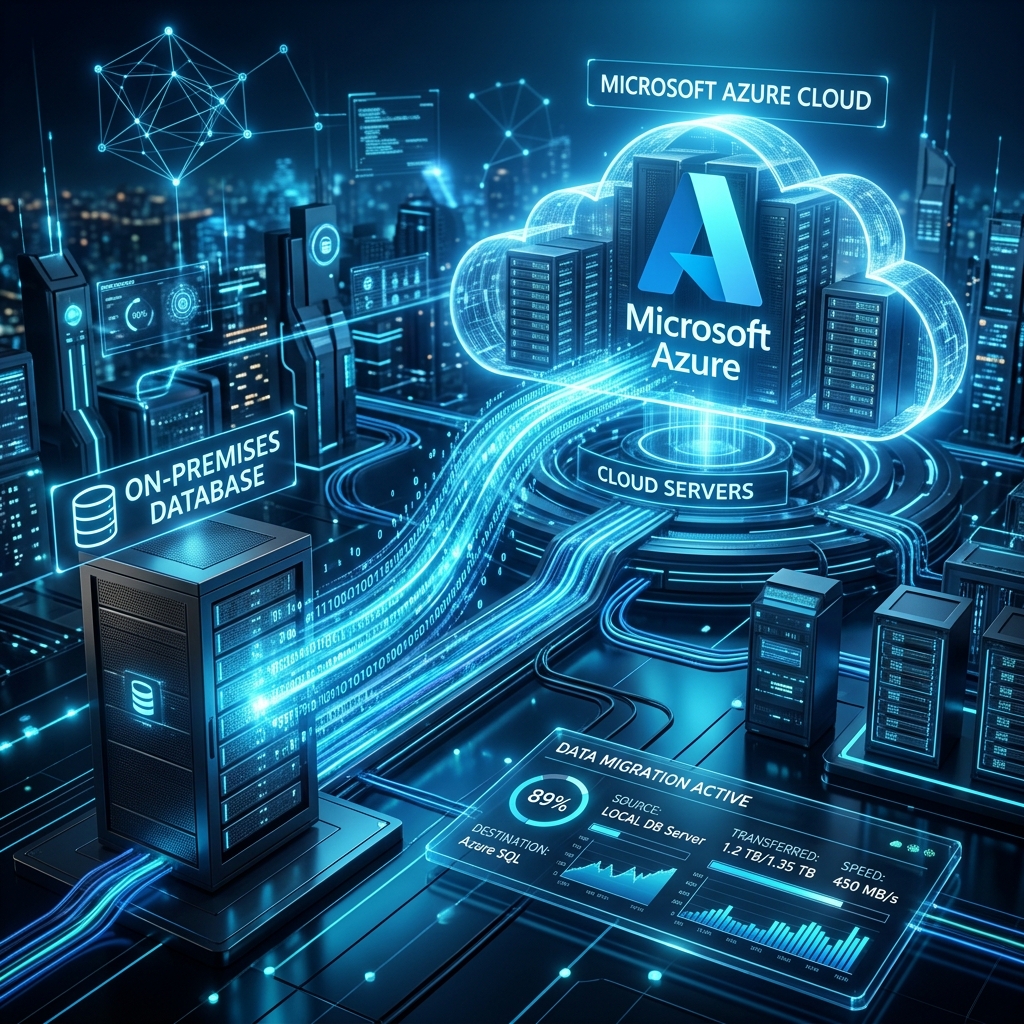
We do not copy files over a weekend and pray it works. We establish a secure VPN tunnel from your local server to Azure and configure continuous data replication. Your physical server remains the primary active system, but every single transaction is mirrored to Azure in real-time. Over several weeks, we run performance tests on the Azure instance to verify query speeds and database integrity under peak operational loads.
Phase 3: The Zero-Downtime Failover
Once the cloud database is verified and fully synchronized, we schedule the cutover. Because the databases are in lockstep, the failover takes seconds. We update the application connection strings to point to the new Azure endpoints. The cloud database becomes the primary database, and the legacy physical server is decommissioned, resulting in a completely seamless transition for your employees.
Elevate Your Data Infrastructure
Migrating to Azure SQL isn't just about eliminating hardware; it unlocks elite features like auto-scaling, automated threat detection, and disaster recovery. At ZenTek USA, we specialize in executing complex, secure cloud hosting migrations. Contact our certified database engineers today to request a free migration readiness audit.